How To
Updated:
1. How to Access Settings
Click on Options
Select Settings
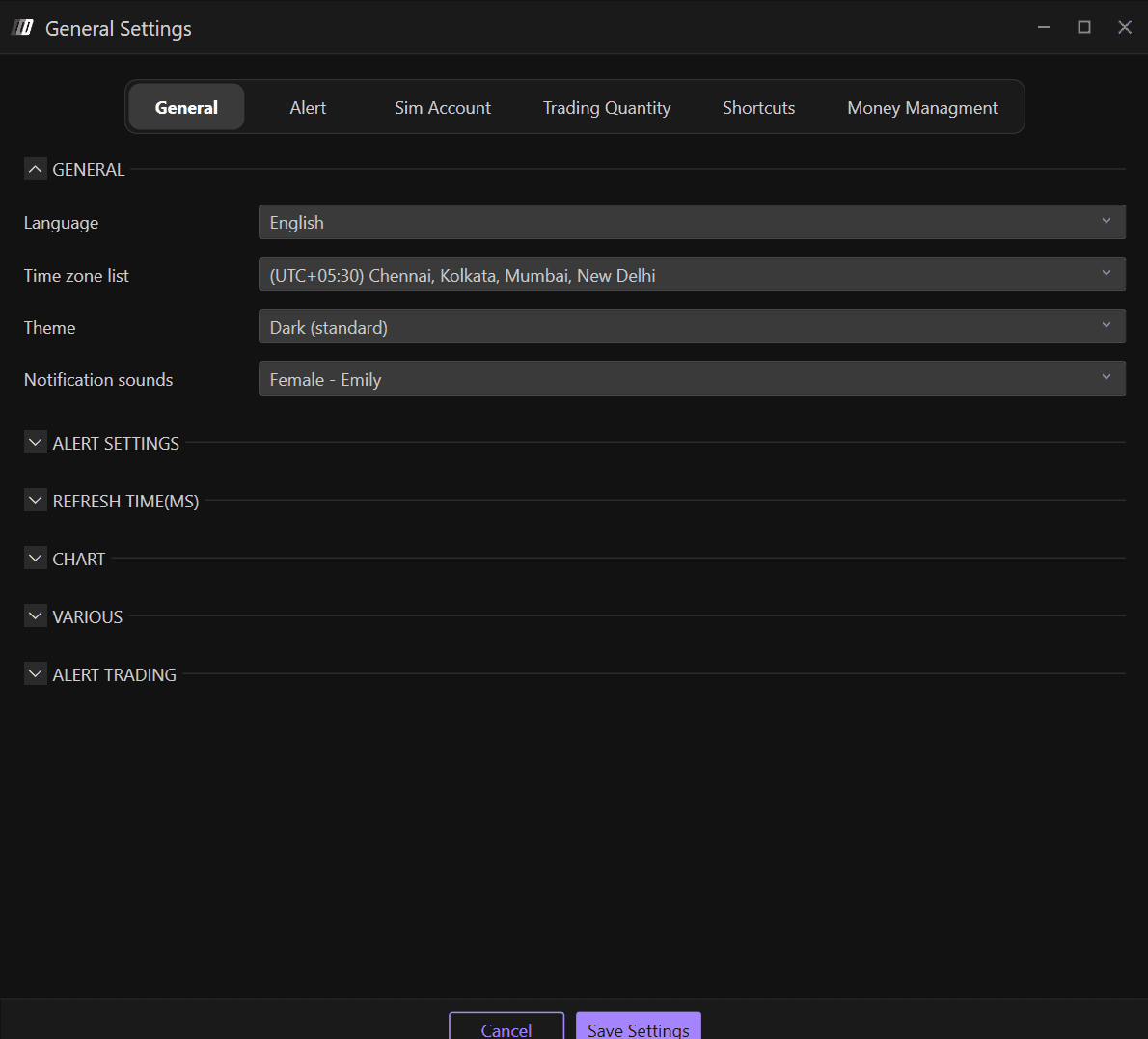
Navigate to the General section
In the General section, you will find Deepcharts generic settings, where you can change:
Language
Time Zone
Theme: Platform Appearance
Notification Sounds
2. Language
The available languages are:
English
Italian
Spanish
German
Chinese

3. Theme: Platform Appearance
Themes available on Deepcharts are:
Dark
Dark (Standard)
Blue
Light
Light (Standard)
Purple
4. Notification Sounds
Customize your alert notification sounds in the General section. The available notification sound options include:
Female - Emily
Female - Daniela
Male
Warzone
